📱 こんなふうに使えます
iPhoneがMacのトラックパッド&キーボードに。横にスワイプ →
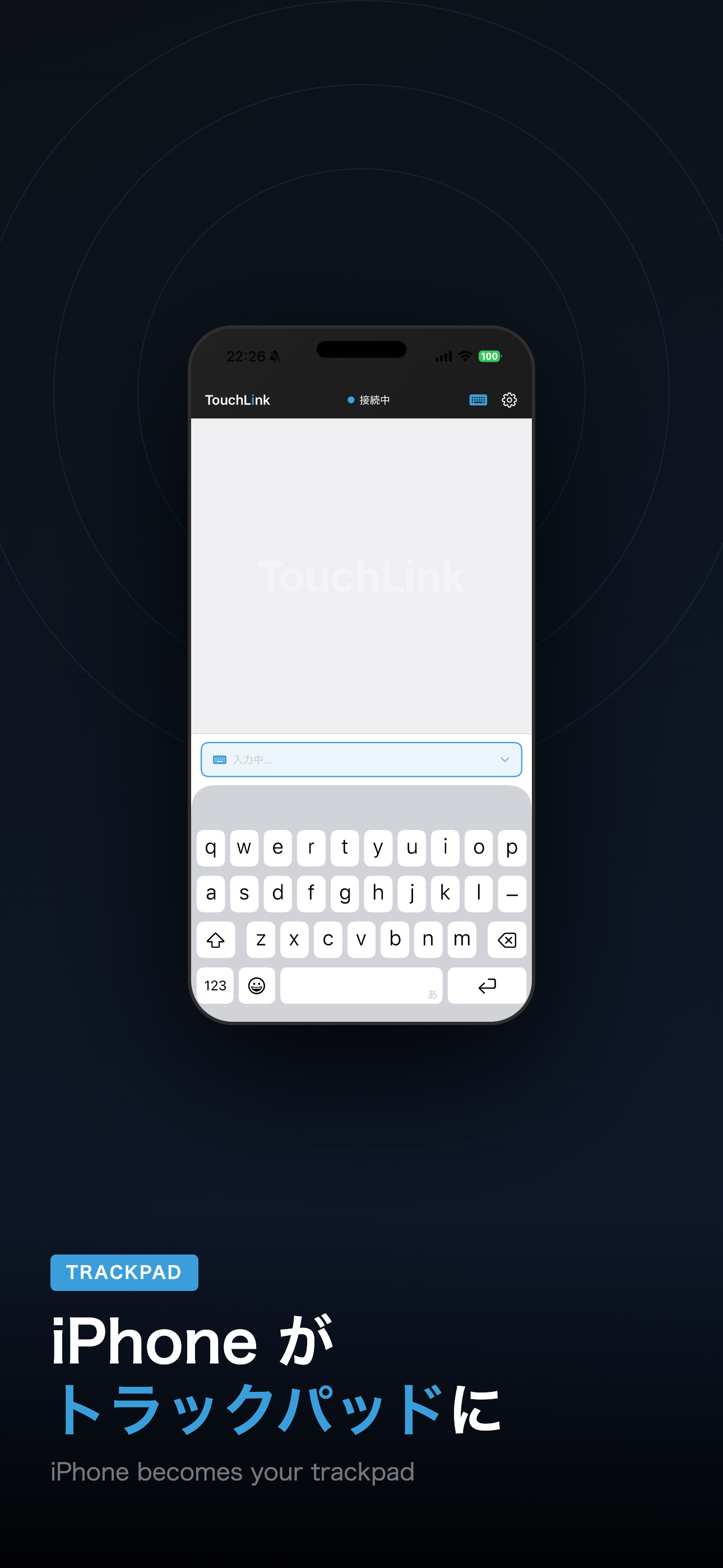
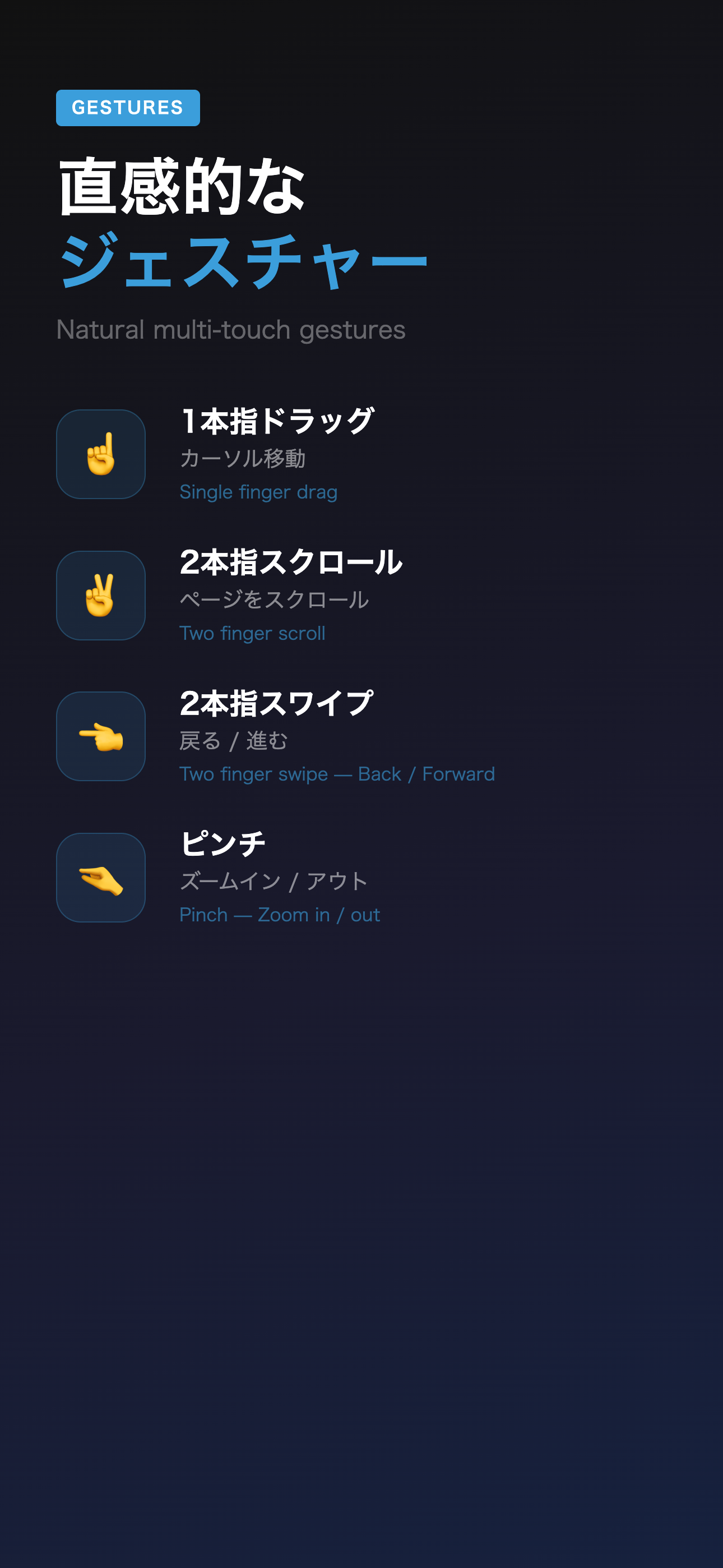
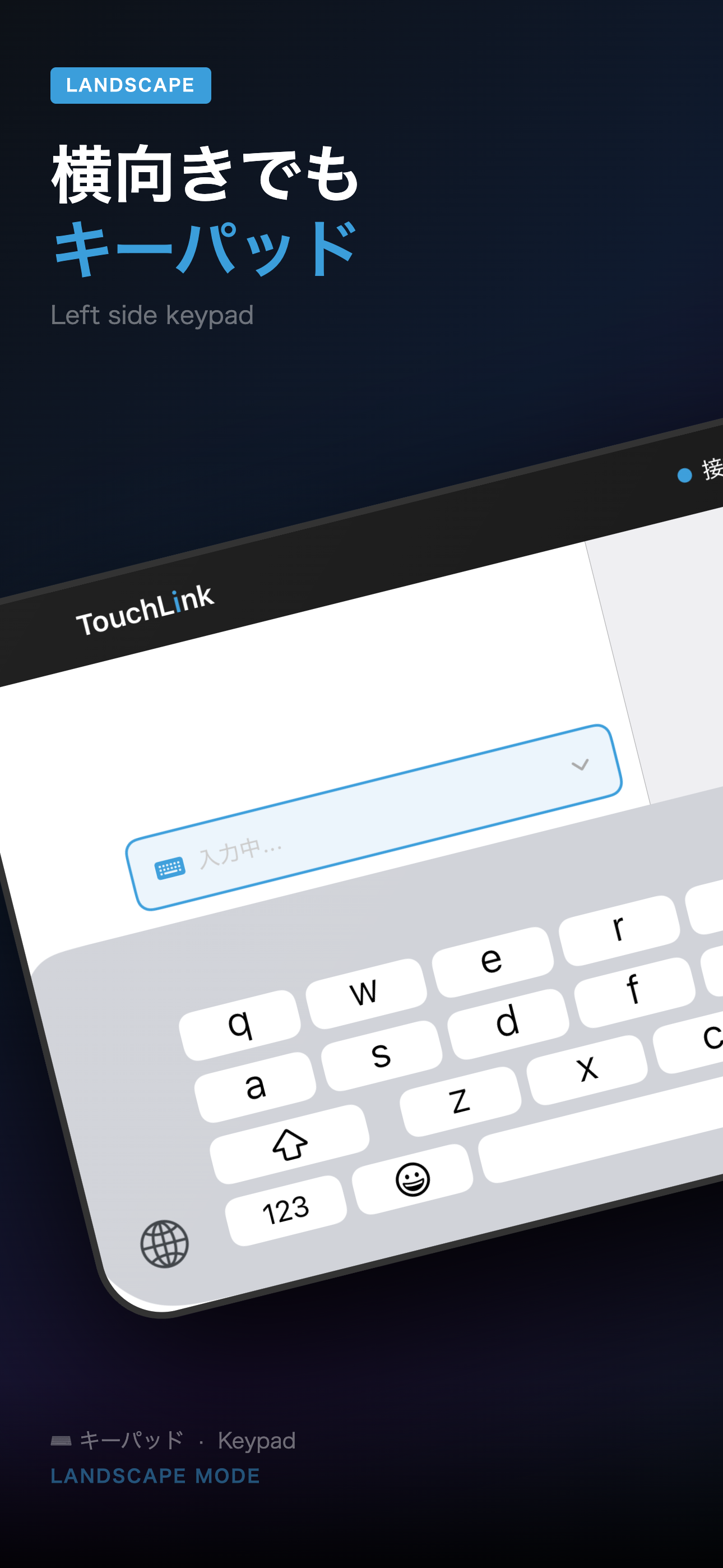
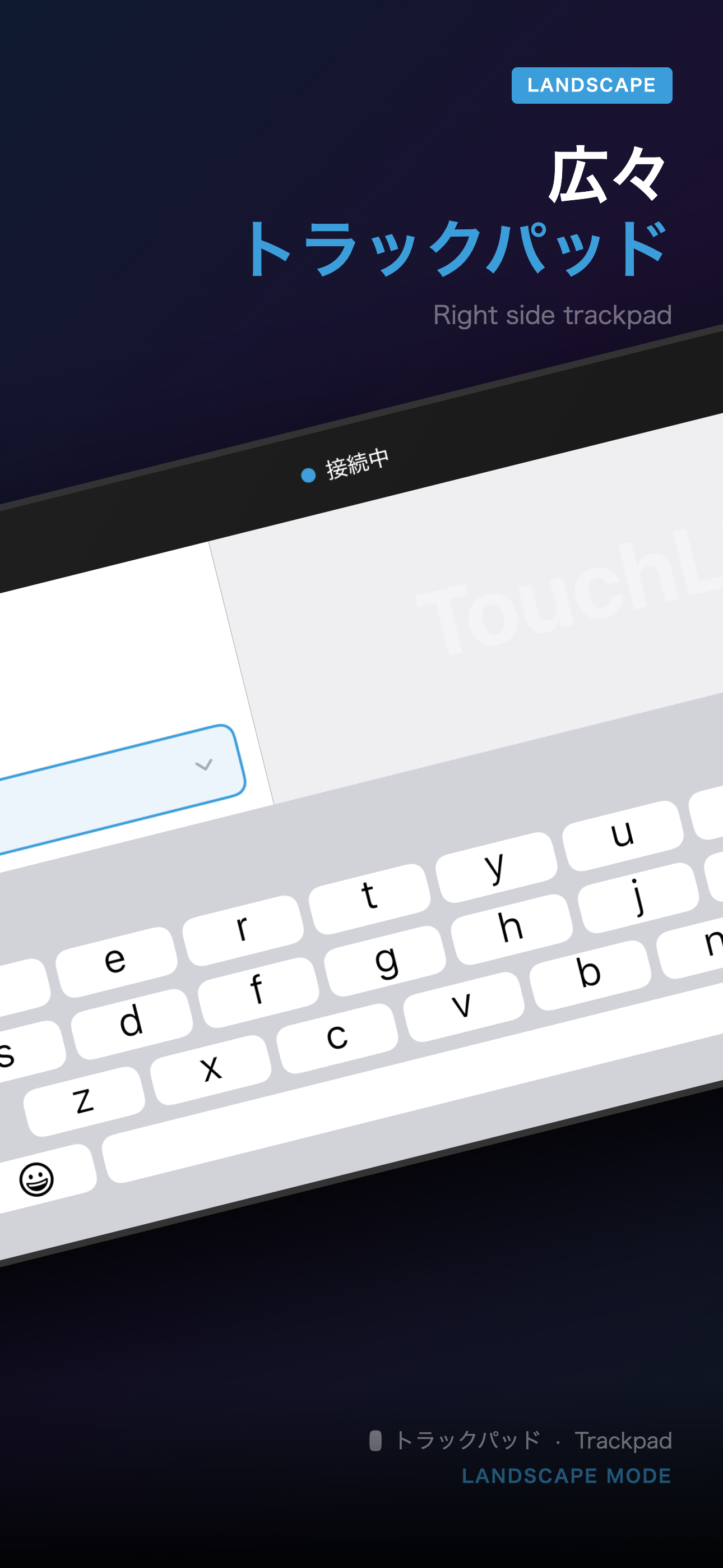
iPhoneをMacのワイヤレストラックパッド&キーボードに
Turn your iPhone into a wireless trackpad & keyboard for Mac
Mac版をダウンロード(無料) Download for Mac (Free)iPhoneがMacのトラックパッド&キーボードに。横にスワイプ →
Your iPhone becomes a trackpad & keyboard for Mac. Swipe sideways →
よく使うMacアプリやシステム操作を、iPhoneからワンタップ。
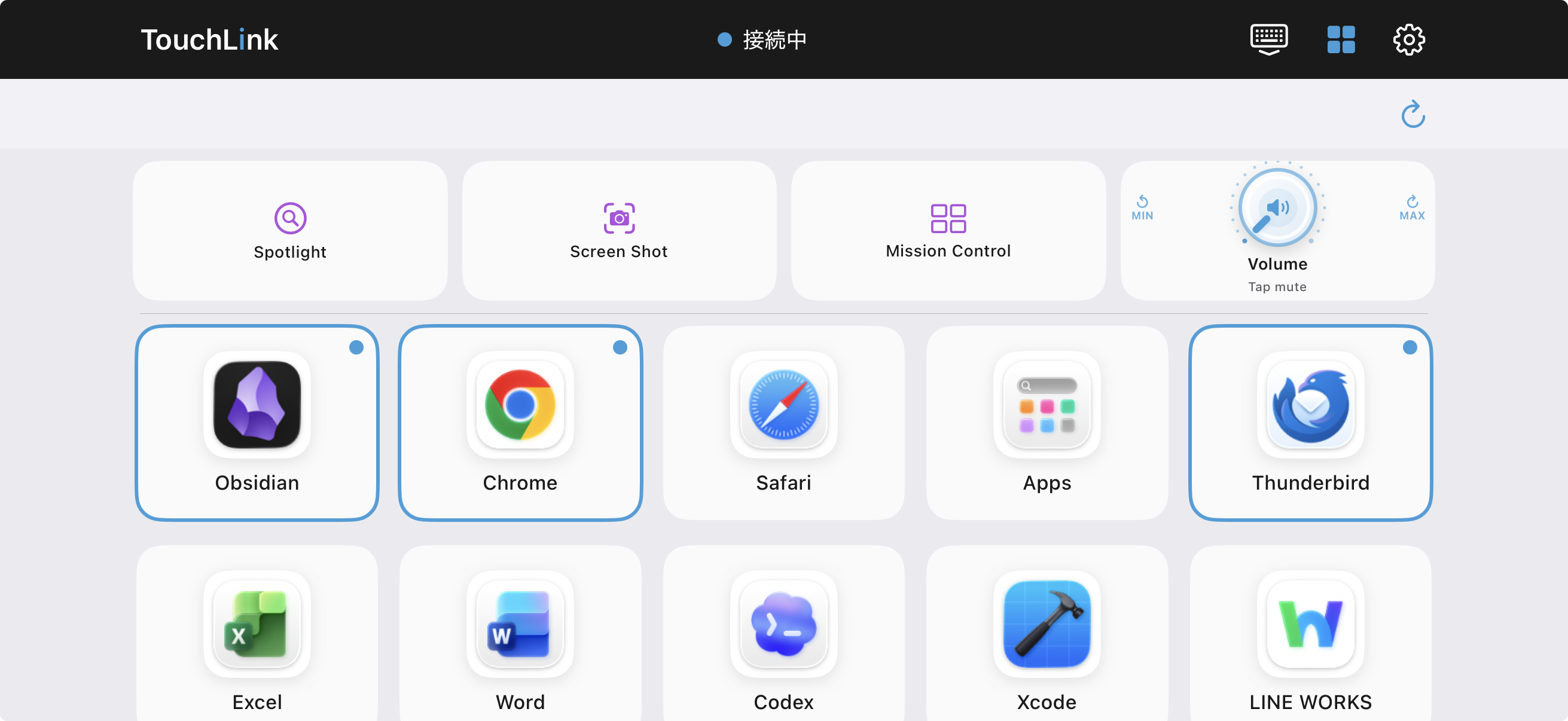
トラックパッド・キーボードは無料。ランチャーは買い切りの TouchLink Pro(¥1,200・サブスクなし)で解放。
Launch your favorite Mac apps and system actions with one tap from iPhone.
Trackpad & keyboard are free. The launcher unlocks with a one-time TouchLink Pro purchase (no subscription).
App StoreのTouchLinkをiPhoneにインストール。同じWi-Fiで自動接続されます。
iPhoneのカメラでスキャン

Install TouchLink from the App Store on your iPhone. It connects automatically over the same Wi-Fi.
Scan with your iPhone camera
上のボタンから TouchLink.dmg をダウンロードし、TouchLink を「アプリケーション」フォルダにドラッグ。
アプリケーションから TouchLink を起動。
初回は システム設定 → プライバシーとセキュリティ → アクセシビリティ で TouchLink をオンに(マウス・キーボード操作に必要)。
iPhoneのTouchLinkアプリで「接続を開始」。同じWi-Fiなら自動でペアリング完了!
Download TouchLink.dmg and drag TouchLink to your Applications folder.
Launch TouchLink from Applications.
On first launch, go to System Settings → Privacy & Security → Accessibility and enable TouchLink (required for cursor & keyboard control).
Tap "Start Connection" in the TouchLink iPhone app. On the same Wi-Fi, pairing is automatic!
⚠️ アクセシビリティ権限は、iPhoneからのマウス・キーボード操作をMacに反映するために必要です。
TouchLinkはあなたの操作をMac内で処理するだけで、外部に送信しません。
⚠️ Accessibility permission is required to relay cursor & keyboard input from your iPhone to the Mac.
TouchLink processes all input locally — nothing is sent to external servers.
📶 接続できないときは:ゲスト用・社内・コワーキングなどのWi-Fiは、セキュリティのため端末同士の通信を遮断している場合があります(クライアント分離)。この場合、同じWi-Fiに接続していてもiPhoneがMacを検出できません。iPhoneのインターネット共有(テザリング)にMacを接続するか、分離設定のないWi-Fiでお試しください。
📶 Can't connect? Guest, office, or co-working Wi-Fi often blocks device-to-device communication for security (client/AP isolation). If so, TouchLink can't discover your Mac even on the same Wi-Fi. Connect your Mac to your iPhone's Personal Hotspot, or use a Wi-Fi network without client isolation.